
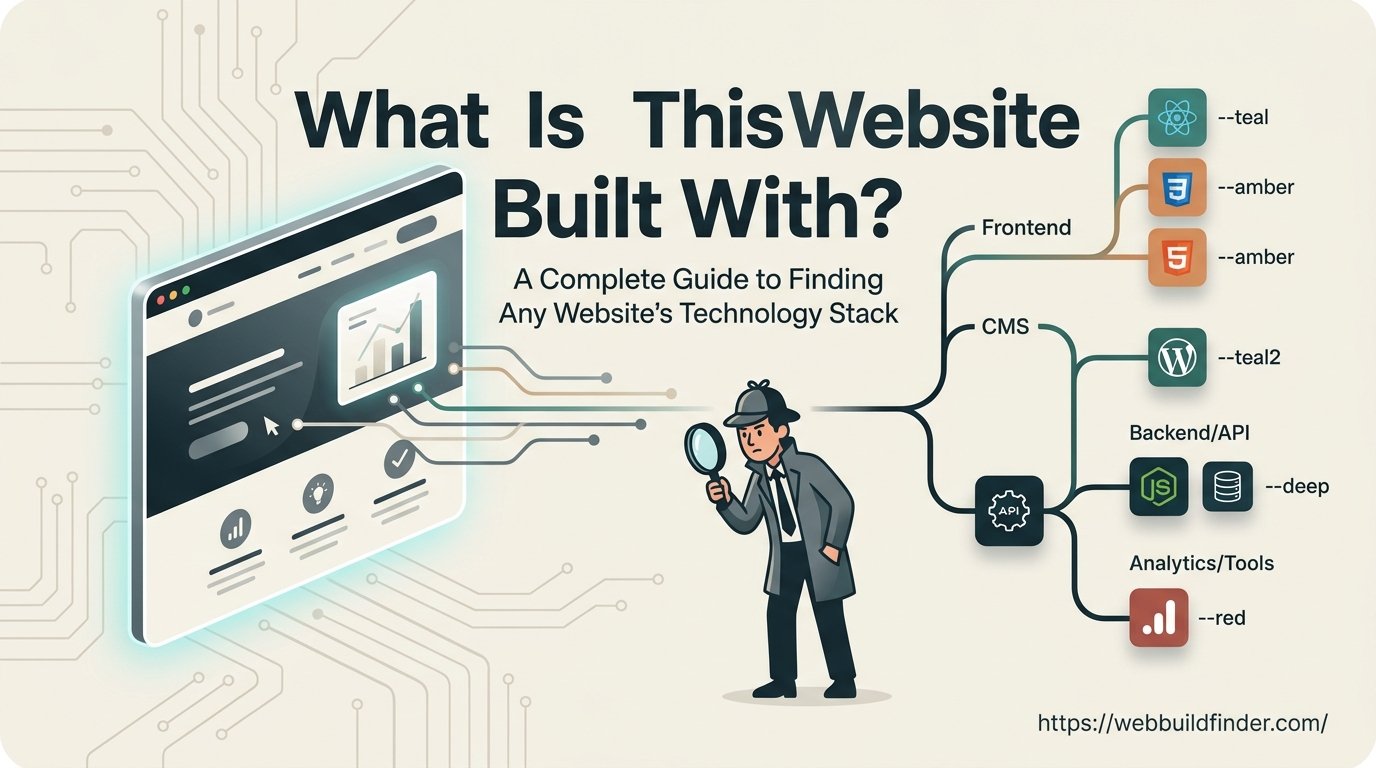
You find a website you like. It loads quickly, looks polished and has features you would like to use on your own project.
The obvious question is, what is this website built with?
It sounds like a simple question, but the answer is rarely just WordPress, Shopify or React. Most modern websites use several technologies working together. There may be a content management system, a frontend framework, JavaScript libraries, analytics tools, payment services, hosting infrastructure and a content delivery network running behind the same website.
You could open the source code and start searching manually, but that quickly becomes difficult if you do not know what you are looking for.
A faster option is to use a website technology detector such as WebBuildFinder. It can inspect publicly available technical signals and help identify many of the tools a website appears to be using.
In this guide, I will explain what those technologies actually mean, how they can be detected and where website technology detection has limitations.
How Can You Find What a Website Is Built With?
You can find what a website is built with by checking its HTML source, JavaScript files, HTTP headers, cookies, DNS records and platform specific assets. A website technology detector can automate this process and help identify the CMS, frontend frameworks, analytics tools, CDN, hosting technologies and other publicly visible software used by a website.
What Does What Is This Website Built With Actually Mean?
When people ask what a website is built with, they are normally asking about its technology stack.
A technology stack is simply the collection of platforms, frameworks and services used to build and operate a website.
A single website can use several different technologies at the same time.
For example, an ecommerce site might use Shopify for product management, React for parts of its interface, Cloudflare for content delivery, Google Analytics for visitor tracking and Klaviyo for email marketing.
Knowing only that the website uses Shopify would therefore tell you only part of the story.
Frontend Technologies
The frontend is the part of a website that runs in the visitor's browser.
Common frontend technologies include:
- HTML
- CSS
- JavaScript
- React
- Vue.js
- Angular
- Next.js
- Nuxt
- Bootstrap
- Tailwind CSS
Frontend technologies are usually easier to identify because the browser needs to download many of their files before it can display the website.
Backend Technologies
The backend handles the work happening on the server.
Common backend technologies include:
- PHP
- Node.js
- Python
- Ruby
- Java
- Laravel
- Django
- Ruby on Rails
The backend can process forms, communicate with databases, authenticate users and generate content before sending anything to the browser.
It is usually harder to detect because the browser does not receive the original backend source code.
Content Management Systems
A content management system allows website owners to manage content without manually editing every page.
Popular platforms include:
- WordPress
- Shopify
- Webflow
- Wix
- Squarespace
- Drupal
- Joomla
Some of these platforms leave very recognizable patterns in the website's HTML, scripts and asset URLs.
Hosting and Infrastructure
The website also needs somewhere to run.
Its infrastructure might involve services such as:
- Amazon Web Services
- Google Cloud
- Microsoft Azure
- Vercel
- Netlify
- Cloudflare
- Amazon CloudFront
A website may use one company for hosting and a different provider for CDN or security services.
Analytics, Marketing and Payments
Most commercial websites also connect to third party services.
Examples include:
- Google Analytics
- Google Tag Manager
- Meta Pixel
- Microsoft Clarity
- Hotjar
- Stripe
- PayPal
- Klaviyo
- HubSpot
- TikTok Pixel
Because many of these tools need to load code in the browser, they are often easier to detect than private backend services.
The Fastest Way to Find What a Website Is Built With
You can investigate technologies manually, but you do not always need to spend time digging through source code.
For a quick overview, start with the website technology detector from WebBuildFinder.
Step 1: Enter the Website URL
Enter the address of the website you want to investigate.
For example:
example.com
You do not need access to the site's admin panel or hosting account.
The scan works with technical information that is already publicly available when somebody visits the website.
Step 2: Run the Website Scan
The scanner looks for technical signals that may identify the software being used.
Depending on the website, these can include:
- HTML source code
- JavaScript files
- CSS files
- Cookies
- HTTP response headers
- Asset URLs
- CDN references
- Platform specific directories
- Tracking scripts
- Framework patterns
Individual clues are then matched against recognizable technology patterns.
Step 3: Read the Results
Instead of searching through the code yourself, the results can be organized into useful categories.
These may include:
- CMS
- Ecommerce platform
- Frontend frameworks
- JavaScript libraries
- CSS frameworks
- WordPress plugins
- WordPress themes
- Shopify apps
- Shopify themes
- Analytics tools
- Advertising tools
- Tag managers
- CDN providers
- Payment technologies
- Marketing software
- Security tools
- Hosting infrastructure
Step 4: Verify Important Results
Automated detection saves a lot of time, but it should not be treated as direct access to a website's server.
For casual research, a technology report may be all you need.
If you are making a technical decision based on the result, it is worth confirming important findings using browser developer tools, response headers or DNS information.
How to Identify a Website's CMS
Finding the CMS is often the first step when researching a website.
There are several common platforms that can normally be recognized from public signals.
How to Detect WordPress
WordPress websites often contain recognizable directories such as:
wp-content
wp-includes
You may also see paths containing:
- wp-content/themes
- wp-content/plugins
Other clues can include WordPress REST API references, scripts generated by WordPress and files loaded by installed themes or plugins.
If you see several of these signals together, there is a strong chance that WordPress is powering the website.
It is not guaranteed, however. Developers can change paths, remove metadata and use security tools that make WordPress harder to identify.
For a more detailed guide, you can also read how to tell if a website is WordPress.
How to Detect Shopify
Shopify stores also leave several useful clues.
These can include:
- Shopify CDN resources
- Storefront JavaScript
- Shopify specific objects
- Theme assets
- Product data
- Checkout related scripts
- Shopify hosted files
A technology detector may also find evidence of certain Shopify apps or themes when those products expose recognizable frontend assets.
For more detail, see how to tell if a website is Shopify.
You can also learn how to find what Shopify theme a store uses.
How to Detect Webflow
Webflow generates its own frontend code and often loads recognizable scripts or assets.
Webflow specific HTML attributes and resource URLs can therefore provide strong clues that the website was created using the platform.
How to Detect Wix
Wix websites frequently load scripts and other resources from Wix infrastructure.
These platform specific resources make Wix relatively easy to identify in many cases.
How to Detect Squarespace
Squarespace also uses recognizable scripts, assets and page structures.
A combination of those signals can indicate that Squarespace is being used as the website platform.
What About a Custom CMS?
Not every website is built on a well known CMS.
Large businesses sometimes develop their own content management systems or use custom applications.
If there are no recognizable platform fingerprints, the CMS may remain unknown even when other technologies can still be identified.
If CMS detection is your main goal, read our guide on how to find what CMS a website uses.
How Do You Find What CMS a Website Uses?
Look for platform specific asset paths, scripts, HTML patterns, cookies and response headers. WordPress often exposes wp-content paths, while platforms such as Shopify, Wix, Webflow and Squarespace load recognizable assets from their own infrastructure. A CMS detector can check these signals automatically.
How to Identify Frontend Frameworks
The CMS is only one part of a modern website.
A site can use WordPress for managing content while using React or Next.js for its frontend.
The same is true for ecommerce.
A Shopify store can still use a modern JavaScript framework to create parts of the customer experience.
React
React is widely used for interactive websites and web applications.
Possible signals include React related JavaScript bundles, runtime behavior and recognizable structures created when the application loads.
Production optimization can sometimes hide obvious React fingerprints, so detection is not always possible.
Vue.js
Vue.js applications can expose framework runtime files, JavaScript bundles and other recognizable application structures.
Vue is commonly used for dashboards, ecommerce features and interactive website interfaces.
Angular
Angular applications often produce distinctive JavaScript bundles and application structures.
Browser developer tools can provide additional evidence when automated detection is uncertain.
Next.js
Next.js is built on React and has become common across modern websites.
A useful clue is the presence of resources under paths containing:
_next
Next.js can also expose framework specific scripts and application data.
Nuxt
Nuxt serves a similar purpose for Vue.js projects.
Nuxt applications may expose generated assets and JavaScript structures that make the framework identifiable.
How to Identify Backend Technologies
Backend technology is where detection becomes less certain.
When a server runs PHP, Python or Node.js, the browser normally receives only the final response. It does not receive the original server code.
This means detection usually depends on indirect evidence.
PHP
PHP can sometimes be identified through cookies, response headers or application patterns.
The presence of WordPress is also a strong indication that PHP is involved because WordPress itself is built primarily with PHP.
Node.js
Some Node.js applications expose headers or other recognizable behavior.
Those clues can easily be removed, which means a site may use Node.js without making that information obvious.
Python
Python itself is difficult to identify from the outside.
A detector may instead identify a Python framework such as Django or Flask if the application exposes recognizable patterns.
Laravel
Laravel is a popular PHP framework.
Possible signals include session cookies, framework related headers or application patterns.
A well configured Laravel site may expose very little identifying information.
Django
Django applications can sometimes be recognized through cookie naming, CSRF behavior and other framework patterns.
Again, those signals are not guaranteed to be available.
Ruby on Rails
Rails applications may expose recognizable cookies, headers or asset patterns.
The important thing to remember with backend technologies is simple.
Not detected does not mean not used.
How to Identify Analytics and Marketing Tools
Analytics and marketing software is often much easier to find.
These services normally need to place tracking code in the visitor's browser.
Common examples include:
- Google Analytics 4
- Google Tag Manager
- Meta Pixel
- Microsoft Clarity
- Hotjar
- TikTok Pixel
- HubSpot
- Klaviyo
A marketer might check this information when researching how another business approaches analytics, conversion tracking or email marketing.
That does not mean you should automatically use every tool a competitor uses.
It simply gives you a better idea of the technology supporting their marketing operation.
For a more focused guide, read how to find what analytics tools a website uses.
How to Identify Hosting and CDN Providers
Hosting and CDN detection works differently from detecting a CMS.
Hosting is where the application or website is running.
A CDN distributes files across different locations so they can be delivered more efficiently to visitors.
Common providers include:
- Cloudflare
- Amazon CloudFront
- Amazon Web Services
- Vercel
- Netlify
- Fastly
Useful detection signals include:
- DNS records
- Nameservers
- IP ownership
- HTTP headers
- CDN specific headers
- Asset URLs
There is one important complication.
If a website uses Cloudflare or another reverse proxy, the CDN may hide the original server.
You might therefore be able to identify Cloudflare while the actual hosting provider remains unknown.
For more detail, see how to find a website's hosting provider.
What Website Technology Detectors Cannot See
A good technology detector can uncover a surprising amount of information, but it cannot see everything.
Private Server Code
Visitors cannot normally inspect the original backend code.
That means technologies responsible for internal business logic can remain completely hidden.
Databases
A website may use MySQL, PostgreSQL, MongoDB or another database without exposing any useful evidence publicly.
Database detection from the outside should therefore be treated cautiously.
Private APIs
Businesses often use APIs that are available only to their own applications.
If the browser never communicates directly with those services, an external scanner may never see them.
Internal Business Software
A company might use:
- CRM systems
- ERP platforms
- Internal dashboards
- Microservices
- Authentication services
- Background processing systems
- Private cloud applications
None of these tools necessarily need to appear in the public website code.
Technologies With Hidden Fingerprints
Developers can deliberately remove clues.
They may remove generator tags, software versions, headers, framework names and predictable directory structures.
This is one reason different technology detectors can sometimes produce different results.
Why Do Different Website Technology Detectors Give Different Results?
Technology detection is based on evidence.
Different tools may maintain different databases and use different detection rules.
One scanner might recognize a particular JavaScript library while another does not.
Another might be better at identifying ecommerce technologies or WordPress plugins.
Websites also change constantly.
A company might change analytics software today, migrate its CDN next month or rebuild the entire frontend later in the year.
Technology scan results should therefore be viewed as a snapshot of publicly detectable technologies rather than a complete blueprint of the company's infrastructure.
Manual Detection vs Automated Detection
There is nothing wrong with investigating a site manually.
In fact, developers can learn quite a lot from it.
For most users, it makes sense to start with automated detection and investigate individual findings manually when necessary.
Real Website Example: How a Technology Scan Works
Suppose you find an ecommerce store that you really like.
You want to know what platform it runs on and what other services support the website.
You enter its domain into WebBuildFinder.
The report might detect Shopify as the ecommerce platform.
It could then find Google Analytics and Google Tag Manager scripts used for analytics.
Meta Pixel might appear in the marketing section.
Shopify CDN resources could provide additional evidence that the store is running on Shopify.
If the store is protected by Cloudflare, the report may also identify Cloudflare as part of the site's infrastructure.
You now have a much clearer picture of the public technology stack without manually opening every script loaded by the website.
Some parts will still remain unknown.
For example, you probably will not know which private business systems, internal APIs or databases the company uses.
That is completely normal.
Why Would You Want to Know What a Website Is Built With?
People inspect website technologies for many different reasons.
A developer might find an interface they like and want to understand which framework was used.
A designer might want to know whether a website was created with Webflow, WordPress or a custom system.
An ecommerce owner might research whether successful stores in a niche use Shopify.
An SEO professional might investigate rendering technology, tracking systems or content management platforms.
An agency might check a potential client's existing technology before recommending a rebuild.
A business owner planning a new website might simply want to understand what tools established competitors are using.
The goal does not have to be copying another website.
The useful part is understanding how different businesses solve technical problems.
Frequently Asked Questions
How can I find out what platform a website is using?
The quickest method is to use a website technology detector. It can analyze public HTML, scripts, asset paths, headers and other technical signals to identify platforms such as WordPress, Shopify, Wix, Webflow or Squarespace. You can also investigate manually using browser developer tools and page source code.
Can you tell if a website uses WordPress or Shopify?
In many cases, yes. WordPress and Shopify commonly expose recognizable scripts, directories, assets or CDN resources. A heavily customized or security hardened website may hide some of those signals, so detection cannot always be guaranteed.
Can a website technology detector identify every technology?
No. Public frontend technologies, analytics scripts, CMS platforms and CDN services are usually easier to detect. Private APIs, databases, internal applications and hidden backend infrastructure may leave no publicly visible evidence.
Find Out What a Website Is Built With
You do not need to spend half an hour searching through source code every time you want to understand a website's technology stack.
Start with a technology scan and use the results to decide what deserves a closer look.
WebBuildFinder can help identify publicly detectable technologies across areas such as:
- CMS platforms
- Ecommerce platforms
- Frontend frameworks
- JavaScript libraries
- Analytics tools
- Marketing technologies
- CDN providers
- Themes
- Plugins
- Shopify apps
- Payment technologies
- Hosting and infrastructure
If you are researching a competitor, planning a new website or simply curious about how a particular